Login & Sign Up
Three ways to sign in, what an account means, and the difference between free and paid.
After logging in, your projects, settings, and subscription all follow your account — switching devices doesn’t lose anything.
Three ways to sign in
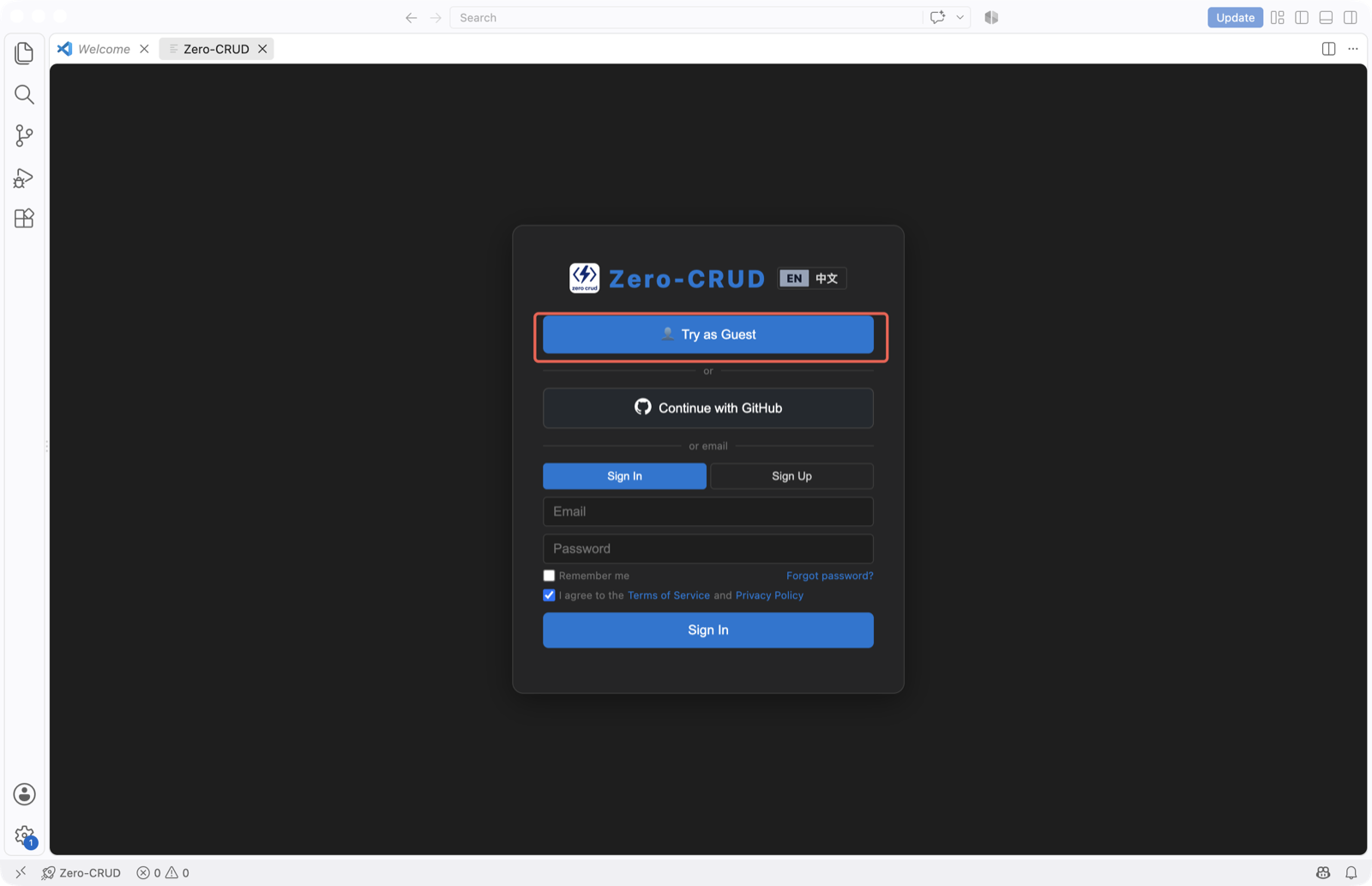
1. GitHub one-click login (recommended)
- Click “Continue with GitHub”, authorize, and you’re logged in automatically — no sign-up form needed.
2. Email + password
- Sign up: email + password (at least 6 characters) → verify email → done
- Supports “remember me”; forgot-password goes through an email reset link
3. Guest (try without an account)
- Click “Try as Guest” to jump straight in and experience the core generation flow — good for a first feel.
What an account means
- Project isolation: your projects belong to your account; data is isolated per account
- Cross-device sync: log in with the same account on another device and your projects & settings are there
- Subscription follows: paid status is bound to the account
Guest data is a temporary trial and is not retained. To keep projects, register an account.
Free vs. paid
| Capability | Free (registered user) | Subscriber |
|---|---|---|
| Tables per project | up to 10 | up to 100 |
| Advanced settings (system fields / soft delete / audit / data permissions, etc.) | locked | ✅ |
| Function permission configuration | locked | ✅ |
| Priority support | — | ✅ |
The free tier is enough for real development on small projects; upgrade when you need more tables and advanced capabilities. See the pricing page for details.
FAQ
- Didn’t receive the verification email? Check spam; resend if needed.
- Can guest data be recovered? No — guest data isn’t retained. Register before doing real work.